Image ⇆ PDF Converter
Conversion Options
StateJobResult Image ⇆ PDF Converter: Ultimate Format Converter
Welcome to the StateJobResult Image & PDF Converter, a powerful, all-in-one tool designed specifically to solve file format issues for government job aspirants, students, and professionals. Whether you are filling out an online recruitment form or submitting documents for university admission, getting your file formats right is the first crucial step.
Most online application portals (such as SSC, UPSC, Railway RRB, HSSC, and Banking portals) have extremely strict guidelines regarding document uploads. They often require passport-sized photographs and signatures strictly in JPG/JPEG format, while demanding heavier documents like Aadhar Cards, Caste Certificates, or Marksheets strictly in PDF format. If your photo is in PNG or WEBP, the portal will instantly reject it.
Our bidirectional Image ⇆ PDF Converter allows you to seamlessly convert Images to PDFs, PDFs to Images, or even Images to other Image formats, all from one single dashboard!
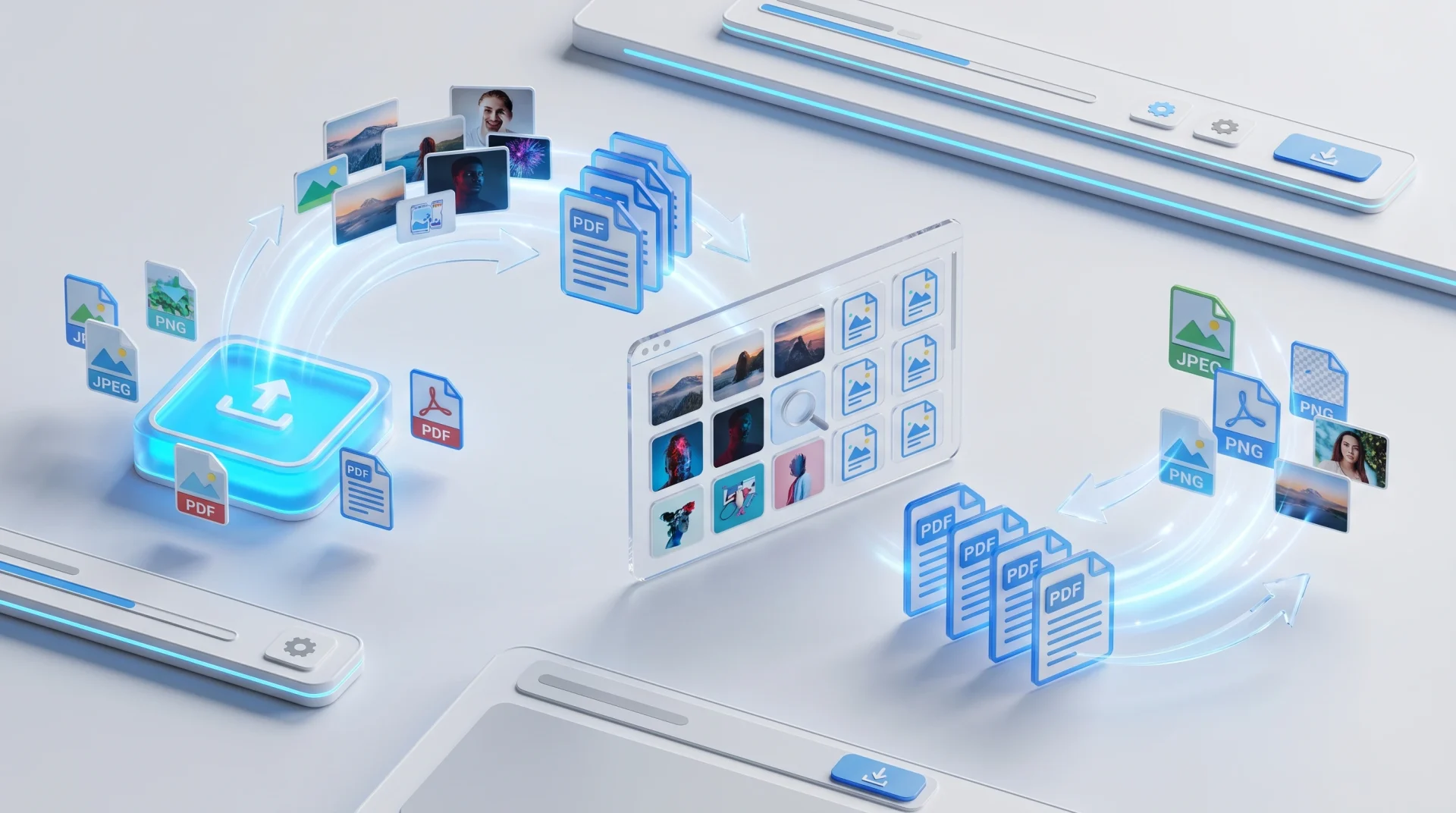
Ai Generative Image by State Job Result
Why is Image & PDF Converter Tool Essential for Job Seekers?
When applying for state or central government jobs, you often face the following scenarios where this tool becomes your best friend:
- Photo & Signature Uploads: You clicked a photo on your phone, and it saved as a HEIC, WEBP, or PNG. Use this tool to instantly convert it to standard JPG or JPEG, which is accepted by 100% of recruitment websites.
- Marksheet to PDF: You took a photo of your 10th/12th marksheet in JPG format. Use our tool to convert that image into a highly professional PDF document.
- Extracting PDF Pages: You have a 5-page PDF document, but the form only asks for the first page as an image. Simply upload the PDF, select “JPG,” and our tool will extract all PDF pages into high-quality images!
Key Features of Our Smart Converter
- Multi-Format Support: Convert seamlessly between PNG, JPG, JPEG, WEBP, BMP, GIF, and PDF.
- 100% Browser-Based Privacy: Just like our other tools, your privacy is strictly protected. The entire conversion process utilizes JavaScript (PDF.js technology) to process files directly inside your mobile or computer’s browser. No files are uploaded to our servers, meaning your private documents remain 100% secure.
- Batch Processing & ZIP Download: Have 10 images you need to convert to JPG? Upload them all at once! The tool will process them in bulk and automatically pack the converted files into a single, easy-to-download ZIP file.
- Live Visual Preview: Before downloading, the tool generates a small visual preview grid of your converted files at the bottom, so you can verify the output instantly.
- Drag and Drop Interface: Built with a modern UI, you can easily drag and drop your files from your computer straight into the upload box to save time.
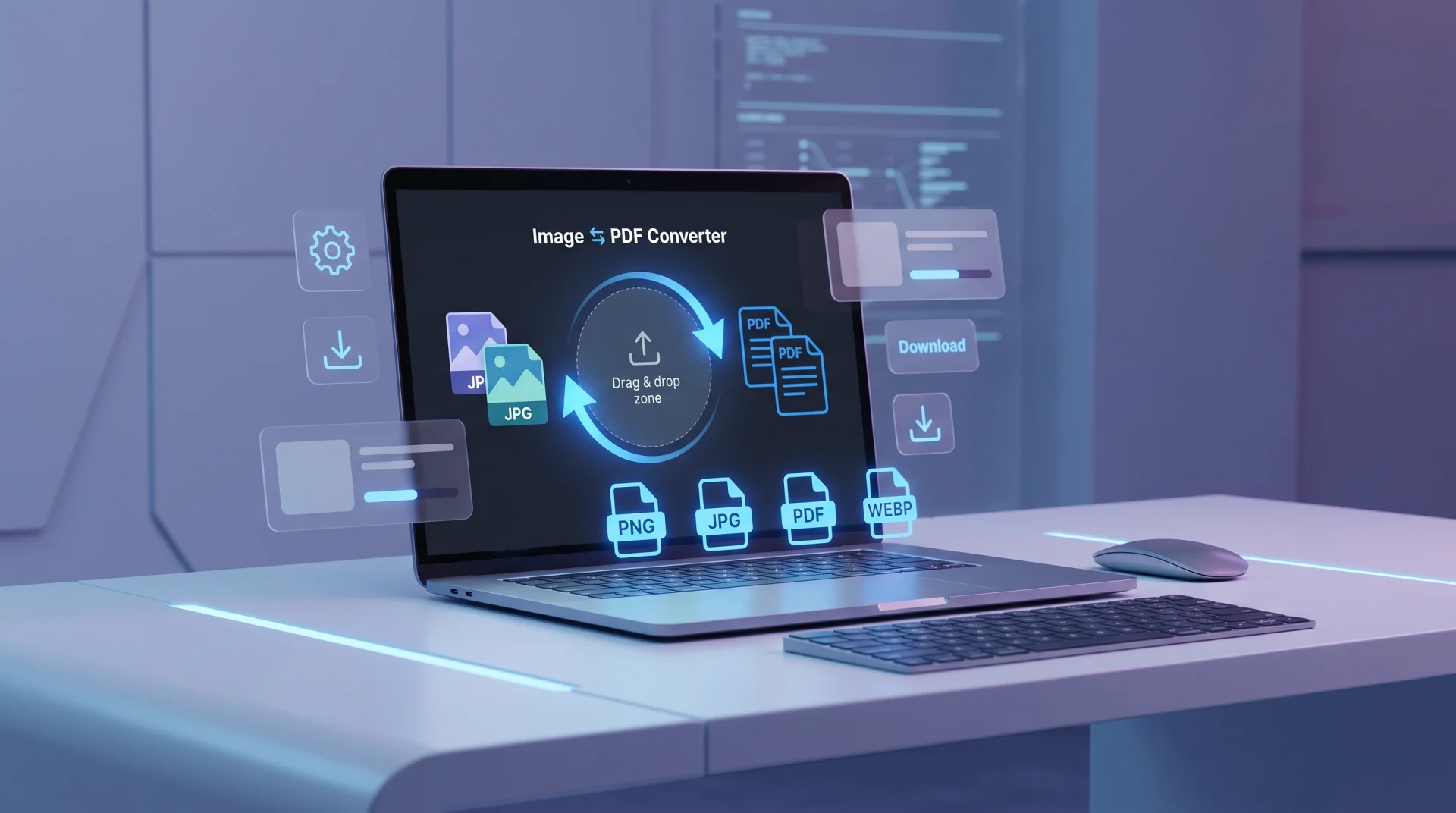
Ai Generative Image by State Job Result
Step-by-Step Guide: How to Use Image & PDF Converter Tool
Using the StateJobResult Converter is incredibly fast and user-friendly. Follow these simple steps:
- Upload Your Files: Click on the large blue upload area labeled “Click to Choose Files” or drag and drop your Images or PDF files directly into the box. You can select multiple files at once.
- Choose Target Format: Under the “Conversion Options” section, click the dropdown menu and select the format you want your files to become (e.g., Select “JPG” if you want to turn a PNG photo into a JPG).
- Click Convert: Hit the blue “Convert & Download” button. The tool will show a live status message as it processes your files.
- Download Instantly: * If you converted a single file, it will automatically download to your device.
- If you converted multiple files, the tool will automatically create a
.zipfile containing all your new documents and download it for you.
- If you converted multiple files, the tool will automatically create a
- Start Over: Click the grey “Reset” button to clear the dashboard and start a new conversion.
Frequently Asked Questions (FAQs)
Q1. Which file formats are supported by Image & PDF Converter tool? You can upload any standard image file (PNG, JPG, WEBP, BMP, GIF) or a PDF document. You can then convert them into PNG, JPG, WEBP, BMP, GIF, or PDF formats.
Q2. Is it safe to upload my Signature and Aadhar Card here? Absolutely! This is an offline, client-side tool. Your highly sensitive documents (like signatures, thumb impressions, and IDs) are processed entirely inside your own device’s memory. We do not store, view, or upload your files to any external server.
Q3. How do I convert a PDF into JPG images? It is very easy. Upload your PDF file, go to the dropdown menu, and select “JPG (Image)”. Click convert. The tool will automatically extract every single page of your PDF and save them as high-quality JPG images inside a ZIP folder.
Q4. Can I use this tool on my mobile phone? Yes. The StateJobResult Converter is fully responsive and optimized for mobile devices. You can easily select photos from your Android or iOS gallery and convert them on the go.
Q5. Will converting my image to PDF reduce its quality? No, our tool is optimized to maintain the highest possible visual fidelity. When converting an image to a PDF, the document dimensions are automatically adjusted to fit the image perfectly without stretching or pixelating it.