PAN Photo & Sign Crop
Get Photo
Get Signature
State Job Result PAN Photo & Sign Crop Tool
Welcome to the ultimate PAN Photo & Sign Crop Tool by State Job Result. If you are applying for a new Permanent Account Number (PAN Card) or requesting a correction in your existing PAN through NSDL (Protean) or UTIITSL portals, you know how incredibly strict their document upload guidelines are.
Both NSDL and UTIITSL require applicant photographs and signatures to be in a highly specific pixel size, aspect ratio, and DPI configuration. A minor mistake or a slight blur will cause the online system to throw an “Invalid File Format or Size” error, stalling your application. Our free online PAN card image resizer tool is explicitly programmed to take your raw scanned files and convert them into 100% compliant, form-ready uploads in just a single click.
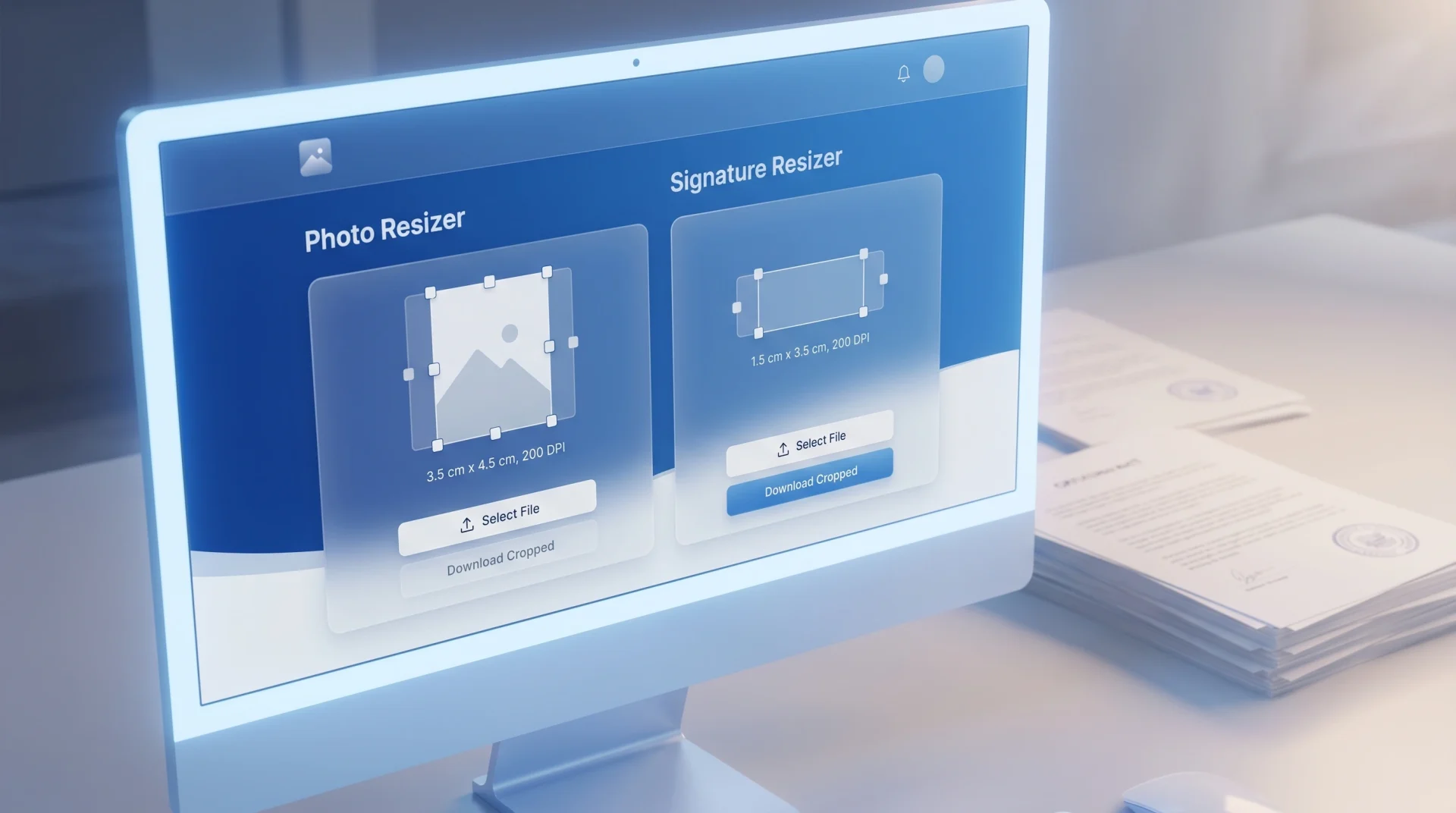
Ai Generative Image by State Job Result
Official NSDL & UTIITSL Upload Specifications
To help thousands of Common Service Center (CSC) operators, cyber cafe owners, and individual applicants, our tool comes pre-configured with the exact mathematical dimensions mandated by the Income Tax Department of India:
- PAN Applicant Photograph: Must be exactly 213 x 213 Pixels (Width x Height) with a print resolution of 300 DPI. The file size should strictly remain under 50 KB.
- Applicant Signature / Thumb Impression: Must be exactly 400 x 200 Pixels (Width x Height) with a deep print resolution of 600 DPI. The file size must also remain under 50 KB.
PAN Photo & Sign Crop: Manual adjustments using offline paint tools often compress these images destructively, making the signature unreadable. Our advanced HTML5 Canvas rendering engine maintains sharp text edges and perfect contrast so that your identity documents pass the automated portal verifications instantly.
High-Value Features of Our PAN Photo & Sign Crop
- Smart Pre-Filled Layout: No need to memorize pixel configurations! The moment you open this page, the “Photo” card automatically loads with
213x213px and300DPI, while the “Signature” card loads with400x200px and600DPI. - Dual Processing Engine: You can upload your photograph on the left card and your signature on the right card simultaneously. Process and download both files side-by-side without reloading the page.
- 100% Client-Side Privacy (Absolute Security): A PAN card is one of the most critical financial identity documents in India. At PAN Photo & Sign Crop your passport photos and signatures are highly personal. Our tool works entirely offline inside your web browser. Your files are never uploaded to our servers, ensuring zero risk of identity theft or data tracking.
- Automatic High-Quality JPEG Conversion: The tool automatically packages and converts your output into a premium
.jpgfile with the optimized_SJRextension, matching the precise file type acceptable on government verification servers.
Step-by-Step Guide: How to Crop Photo and Sign for PAN Card
Whether you are using a mobile phone or a desktop computer, getting your documents form-ready takes less than 10 seconds:
How to Prepare Your PAN Photograph:
- Navigate to the “Get Photo” card on the left.
- Click the “Upload Photo” box and select your passport-size photo.
- The default pixel parameters are set to 213×213 with 300 DPI. Leave them as they are unless you require a custom size.
- Click the blue “Get Photo” action button. The compliant file will download instantly.
How to Prepare Your PAN Signature:
- Go to the “Get Signature” card on the right side.
- Click “Upload Signature” and choose a clear snapshot of your signature signed on plain white paper.
- The box is pre-set to 400×200 px with 600 DPI for high contrast readability.
- Click the blue “Get Signature” button to download your processed file.
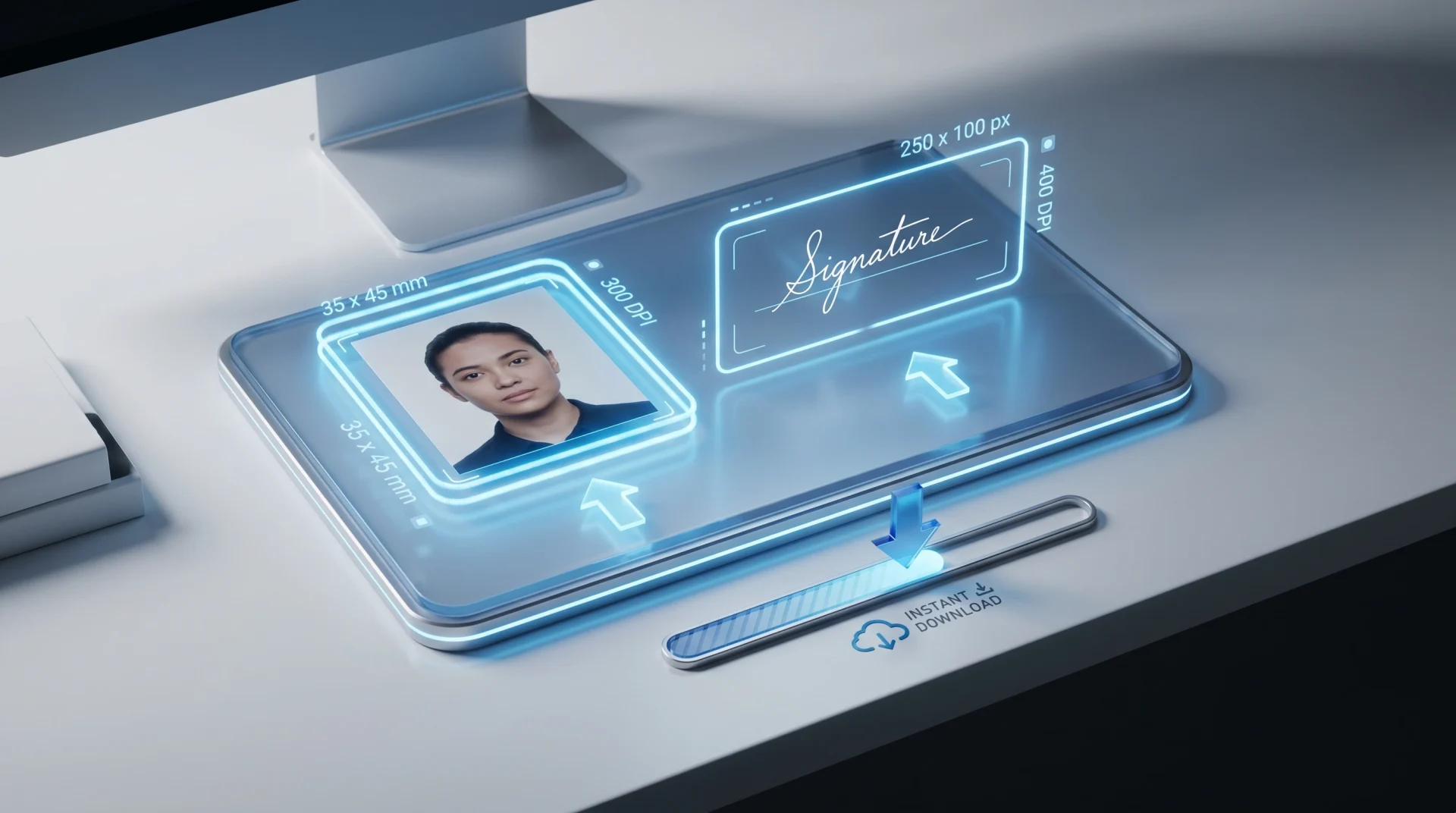
Ai Generative Image by State Job Result
Frequently Asked Questions (FAQs)
Q1. Why does my PAN card application form keep rejecting my uploaded photo? Recruitment and identity verification portals like NSDL use automated image scripts. If your photo is not precisely 213×213 pixels, or if it is saved in a PNG format instead of JPG, the server will block the upload. Using the StateJobResult PAN Photo & Sign Crop fixes this instantly.
Q2. Is it safe to process my signature on this website? Yes, it is completely safe. We implement a local script layout, meaning the entire conversion process happens right inside your mobile phone or computer’s memory. No data is sent over the internet to our servers, keeping your signatures and identity completely confidential.
Q3. Does this tool support both NSDL (Protean) and UTIITSL portals? Yes! Both official PAN processing bodies in India share the exact same technical specification matrix for document uploads. The images generated here work flawlessly on both online submission engines. PAN Photo & Sign Crop
Q4. Can I use this tool from an Android smartphone or iPhone? Absolutely. The tool is lightweight and features a responsive, mobile-first flexbox grid system. You can easily select documents straight from your mobile storage or camera roll.
Q5. What should I do if my downloaded file size crosses 50 KB? Our backend canvas outputs at an optimal 95% JPEG quality factor, which naturally pushes a 213×213 pixel file well under 20-30 KB. However, if your original scanned image was extremely large, you can safely use our main Image Resizer tool to compress the file size down to your exact desired KB limit.