Photo & Signature Joiner
Upload Files
Live Preview
Drag photo vertically to adjust position.
Output Size: 236×288 px
State Job Result Photo & Sign Joiner Tool
Welcome to the State Job Result Photo & Sign Joiner, the ultimate solution for government job aspirants who need to merge their photograph and signature into a single, perfectly proportioned image file.
If you are filling out online application forms for exams conducted by NTA (National Testing Agency), various State Public Service Commissions (PSCs), Teaching Eligibility Tests (TET), or university admissions, you might encounter a highly specific requirement. Instead of asking for two separate files, these portals require you to upload a single image where your signature is attached directly below your passport-size photograph.
Trying to combine these two images manually using MS Paint, Photoshop, or basic mobile apps usually results in distorted faces, stretched signatures, or incorrect file dimensions that get instantly rejected by the portal’s server. Our specialized Joiner Tool automatically merges your files into the exact mathematically accepted dimension of 236 x 288 pixels, ensuring your form is accepted on the very first try.
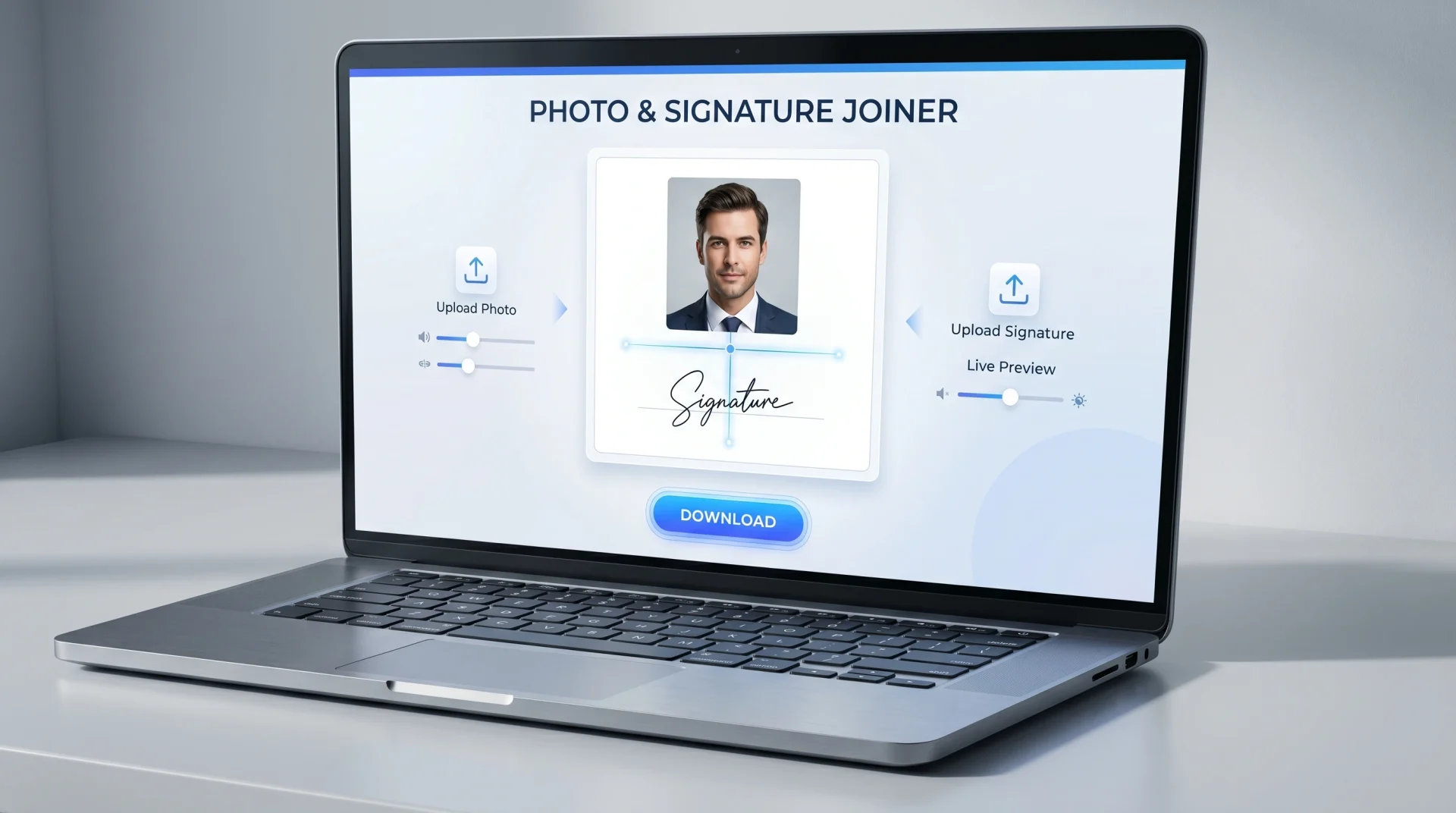
Ai Generative Image by State Job Result
Why Use Our Dedicated Photo & Sign Joiner Tool?
Most generic photo joiners simply place two images side-by-side or stack them without maintaining a proper aspect ratio. This ruins the professional look of your application.
The StateJobResult tool is engineered with a smart HTML5 Canvas. It allocates an exact 236×248 pixel area for your photograph and a precise 236×40 pixel area for your signature. Furthermore, it completely protects your privacy. Your highly sensitive identity documents are processed locally inside your computer or mobile’s browser. Nothing is ever uploaded to our servers.
Premium Features of Our Smart Joiner
- Live Drag & Adjust Functionality: Sometimes your scanned photo has too much empty space at the top, or your face is slightly out of frame. Our tool features a live preview canvas. You can simply click and drag your photo up or down to align your face perfectly before hitting the download button!
- Exact Official Output Size (236×288 px): The tool is hard-coded to export the final merged image at exactly 236 pixels in width and 288 pixels in height. This is the golden standard dimension accepted by almost all major recruitment software in India.
- Instant Dual-Processing: Upload your photo, upload your signature, and see them combine in real-time. No loading screens, no waiting queues, and absolutely no watermarks.
- 100% Mobile Friendly: Whether you are at a cyber cafe on a PC or filling out a form on your Android/iOS smartphone, this tool’s responsive interface works flawlessly on all touchscreens.
Step-by-Step Guide: How to Merge Photo and Signature?
Using the StateJobResult Photo & Sign Joiner is incredibly fast and user-friendly. Just follow these 4 simple steps:
- Upload Your Photograph: Click the first upload box (marked with a user icon) and select a clear, passport-size photograph from your device.
- Upload Your Signature: Click the second upload box (marked with a signature icon) and select a scanned image of your signature. Make sure the signature is done with a black or dark blue pen on plain white paper.
- Adjust Your Photo (Very Important): Look at the Live Preview panel on the right (or bottom on mobile). If your face is not centered, use your mouse (or finger on a touchscreen) to drag the photo up and down until your face sits perfectly inside the frame. The signature area will remain safely locked at the bottom.
- Combine & Download: Once you are satisfied with the preview, click the blue “Combine & Download” button. Your perfectly merged file will instantly download as
photo_with_signature.jpg.
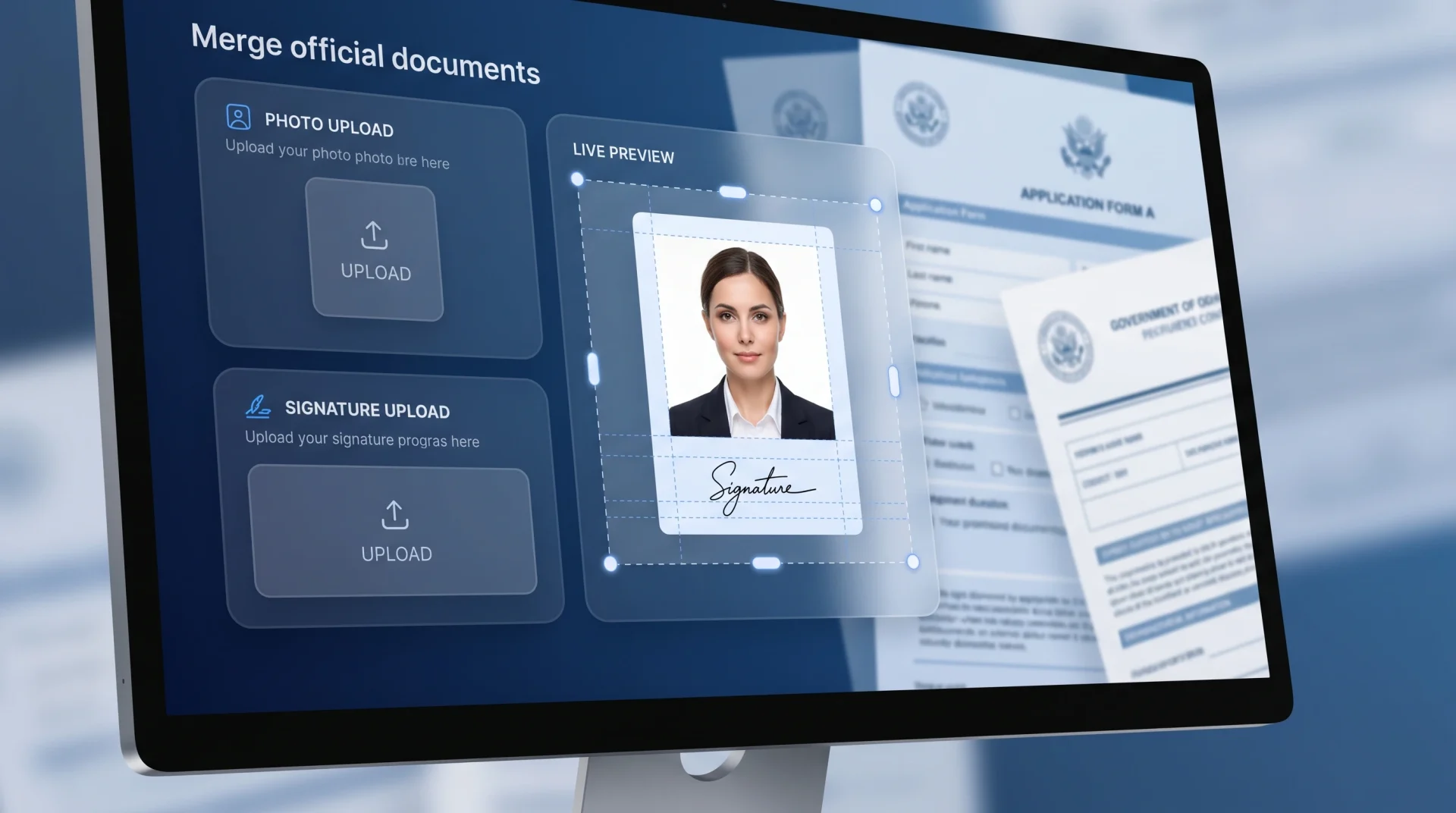
Ai Generative Image by State Job Result
Tips to Avoid Application Rejection
- Crop Your Raw Images First: Before uploading your files here, make sure your raw photograph is somewhat square or portrait, and your raw signature image is cropped tightly around the text. Do not upload a signature image that has huge white spaces on the top and bottom.
- White Backgrounds Work Best: Always try to use a photograph with a light grey or white background, and ensure your signature is on an unlined white paper. This creates a seamless, professional transition when the two images are joined.
- Watch Your File Size: If the exam portal requires the combined image to be under 50KB, you can generate the joined file here, and then drop it into our free StateJobResult Image Resizer to compress the KB size without losing clarity!
Frequently Asked Questions (FAQs)
Q1. Will my signature look squeezed or stretched out? Our algorithm is designed to fit your signature into a 236×40 pixel block. To get the best results, ensure the signature image you upload is cropped tightly (in a horizontal rectangle shape) before you upload it. This prevents the browser from having to squeeze the image artificially.
Q2. Is it safe to combine my personal documents on this website? Yes, it is 100% secure. We use client-side browser technology. This means your files are combined using your own device’s processor. No files are uploaded to the internet or saved on our servers, ensuring your identity remains completely private.
Q3. The portal requires the final image to be exactly 236×288 pixels. Will this tool do that? Absolutely! The core feature of this tool is its locked output size. Regardless of the size of the raw images you upload, the final downloaded JPEG will be precisely 236 pixels wide and 288 pixels high.
Q4. Can I adjust the position of my signature? The signature block is securely locked at the bottom of the image (as per government guidelines). However, you have full freedom to drag and adjust your photograph vertically to ensure your face aligns perfectly with the top edge of the signature.
Q5. Is this tool free to use? Yes, the StateJobResult Photo & Sign Joiner is completely free to use. There are no limits, no hidden charges, and no annoying watermarks on your downloaded images.